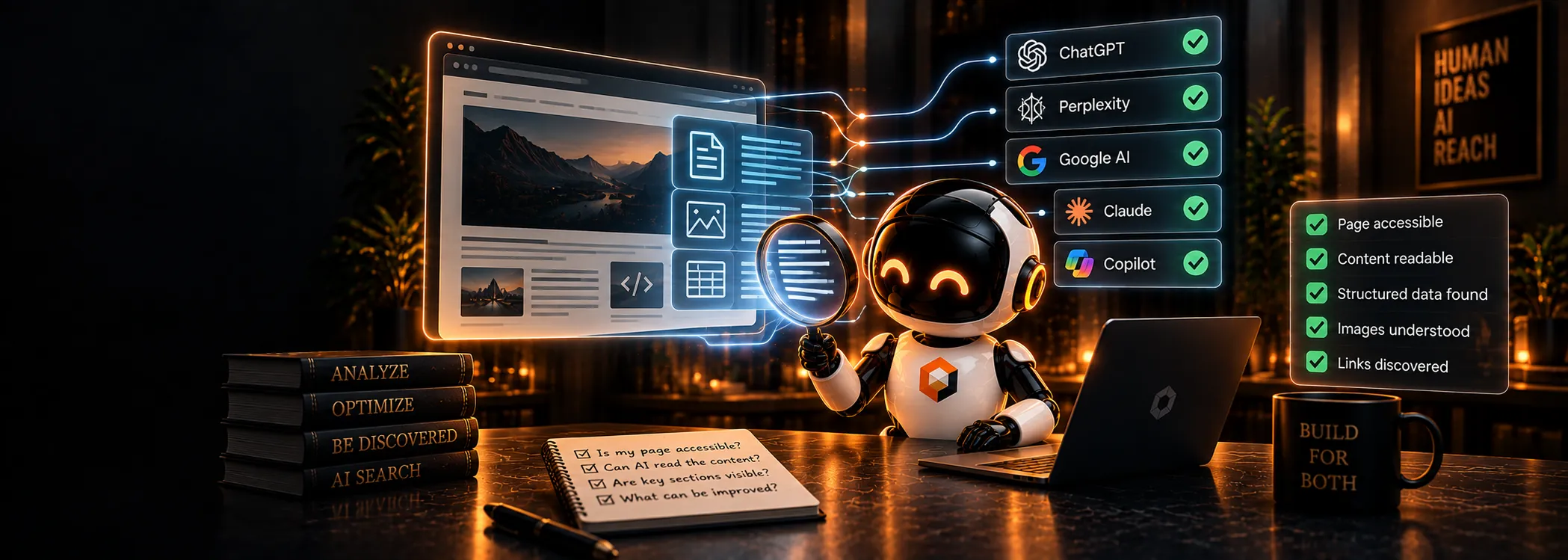

Short answer: Check six things in order: that robots.txt allows the answer-engine crawler, that the page returns a 200 status, that nothing marks it noindex, that the main content is present in the raw HTML without JavaScript, that snippet controls do not block quoting, and that the page has clear headings and a direct answer. If all six pass, the page is readable. Whether it gets cited is a separate question.
Why is "readable" not the same as "visible in a browser"?
A browser runs JavaScript, loads fonts, waits for scripts and shows you the finished page. Many crawlers do much less. Tests published in late 2024 found that the major AI crawlers fetched raw HTML and did not execute JavaScript. A page that looks perfect in Chrome can be almost empty to them.
We saw a subtler version of this on our own site. Our framework streamed the page title and canonical tag into the body of the HTML for most visitors, and only sent them in the <head> to an allowlist of bots that did not include any AI crawler. In a measurement on 22 September 2026, GPTBot received the <title> at byte 29,701 of the page, after the main heading. Bingbot received it at byte 1,533. The page looked fine to every human. We fixed it by extending the bot allowlist, and the title now arrives at byte 1,985 for AI crawlers as well.
The lesson: always check what the crawler receives, not what you see.
What are the six checks?
1. Crawler access
Open yourdomain.com/robots.txt and check the groups for OAI-SearchBot (ChatGPT search), PerplexityBot, Claude-SearchBot and Googlebot. A Disallow: / under User-agent: * blocks every crawler without its own group. Our free checker reads the file for you and lists which AI crawlers are allowed; the crawler list explains what each one does.
2. Status code
The page must return 200. Redirect chains, soft 404s and pages that return 200 while showing an error message all confuse crawlers. You can check with curl -I https://yourdomain.com/page.
3. Indexability
Look for <meta name="robots" content="noindex"> in the HTML and an X-Robots-Tag: noindex response header. Check that the canonical tag points to the page itself, not to the homepage or another URL. A wrong canonical tells engines to ignore the page in favour of another.
4. Content in the raw HTML
Fetch the page without JavaScript and look for your main text:
curl -s -A "Mozilla/5.0 (compatible; GPTBot/1.2)" https://yourdomain.com/page | less
If the headline, the first paragraph and the key facts are missing from that output, AI crawlers probably cannot read them. The fix is server-side rendering or static generation for important content.
5. Snippet controls
nosnippet, max-snippet:0 and data-nosnippet tell engines not to quote text. Google applies these to AI features in Search as well. Use them deliberately on text you do not want quoted, not by accident across a template.
6. Structure and a direct answer
Readable is not the same as useful. Check that the page has one clear H1, descriptive subheadings, and a first paragraph that answers the page's main question. Engines lift self-contained passages; a page that reaches the point in paragraph eight gives them little to quote.
Is there a faster way to run all six?
Yes. Our free single page check fetches a URL once and runs the 88 page-level checks from our check registry against it: structure, schema, answer readiness and citability. Every finding shows the evidence, so you can verify it yourself. It does not need an account.
For Google specifically, the URL Inspection tool in Search Console shows the HTML Google rendered and whether the page is indexed.
What is the classic SEO counterpart?
All six checks are standard technical SEO: robots.txt, status codes, indexing directives, rendering and on-page structure. The difference for AI search is that you now have several crawlers to satisfy, some of which do less rendering work than Googlebot, so server-rendered content matters more.
Frequently asked questions
Do AI crawlers run JavaScript?
Many do not. Assume content that only appears after JavaScript runs may be invisible to AI crawlers, and render important content on the server.
My page is indexed in Google. Is it readable by ChatGPT?
Not necessarily. ChatGPT search uses OAI-SearchBot and its own index. Check that OAI-SearchBot is allowed and that your content is in the raw HTML.
Will fixing these guarantee citations?
No. These checks make a page readable. Being cited also depends on matching the question and having a quotable passage, which we cover in how AI engines decide which brands to cite.